Statistical Graphics Using ODS
ODS Style Comparisons
In this section, some of the most commonly used styles are compared in a series of figures, most of which were generated in the preceding section. Figure 18 through Figure 27 show tables and graphs in the HTML destination for each of eight styles, for the following analysis:
proc reg data=sashelp.class;
   model Weight = Height;
quit;
The PEARL, PEARLJ, RTF, SAPPHIRE, and six JOURNAL styles are compared by running the following steps for each of the ten styles and capturing output in the PDF destination:
options nonumber nodate;
ods proctitle off;

ods pdf body="fPearlJ.pdf" style=PearlJ startpage=never;
title "PearlJ";
proc means data=sashelp.class maxdec=2;
run;

proc sgplot data=sashelp.class;
   vbar age / group=sex;
run;
ods pdf close;
The results of these steps are displayed in Figure 28 through Figure 37.
Figure 38 through Figure 48 show some of the most common style elements. Figure 49 through Figure 56 show how groups of observations are displayed in the graph.
The style comparisons are as follows:
 The ANALYSIS style is displayed in Figure 22, Figure 42, and Figure 53.
The DEFAULT style is displayed in Figure 18, Figure 38, and Figure 49.
The HTMLBLUE style is displayed in Figure 19, Figure 39, and Figure 50.
The HTMLBLUECML style is displayed in Figure 20, Figure 40, and Figure 51.
The JOURNAL style is displayed in Figure 23, Figure 28, Figure 43, and Figure 54.
The JOURNAL1A style is displayed in Figure 29.
The JOURNAL2 style is displayed in Figure 30.
The JOURNAL2A style is displayed in Figure 31.
The JOURNAL3 style is displayed in Figure 32.
The JOURNAL3A style is displayed in Figure 33.
The LISTING style is displayed in Figure 24, Figure 44, and Figure 55.
The PEARL style is displayed in Figure 26, Figure 34, Figure 46, and Figure 57.
The PEARLJ style is displayed in Figure 35, Figure 47, and Figure 58.
The RTF style is displayed in Figure 25, Figure 36, Figure 45, and Figure 56.
The SAPPHIRE style is displayed in Figure 27, Figure 37, Figure 48, and Figure 59.
The STATISTICAL style is displayed in Figure 21, Figure 41, and Figure 52.
Figure 18: Statistical Output with the DEFAULT Style and HTML Destination
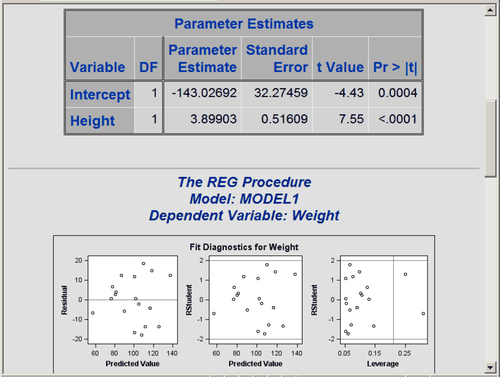
Figure 19: Statistical Output with the HTMLBLUE Style and HTML Destination
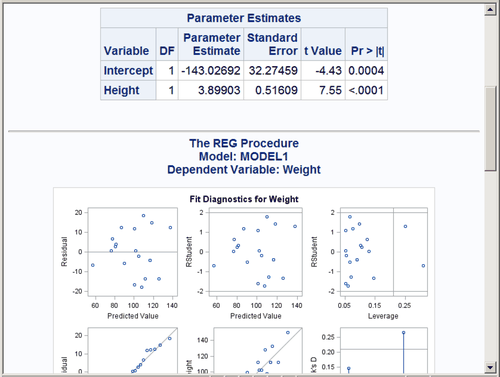
Figure 20: Statistical Output with the HTMLBLUECML Style and HTML Destination
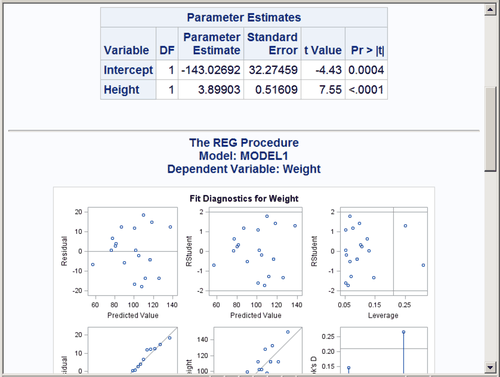
Figure 21: Statistical Output with the STATISTICAL Style and HTML Destination
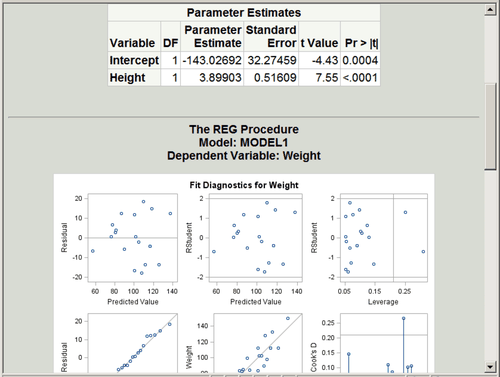
Figure 22: Statistical Output with the ANALYSIS Style and HTML Destination
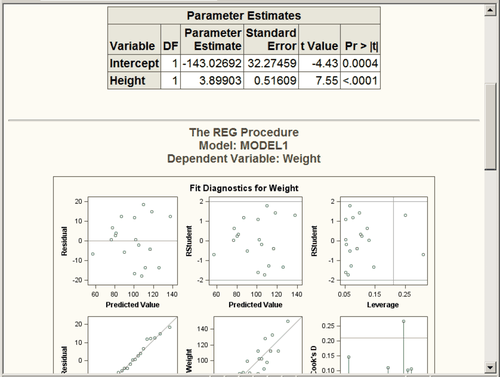
Figure 23: Statistical Output with the JOURNAL Style and HTML Destination

Figure 24: Statistical Output with the LISTING Style and HTML Destination
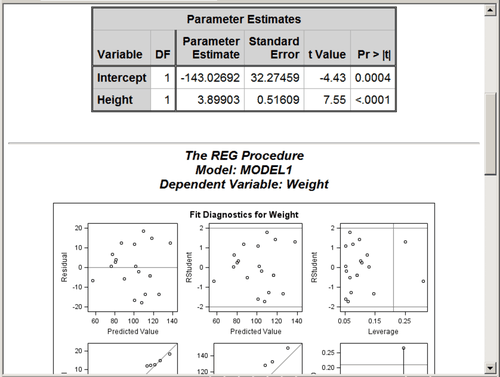
Figure 25: Statistical Output with the RTF Style and HTML Destination

Figure 26: Statistical Output with the PEARL Style and HTML Destination
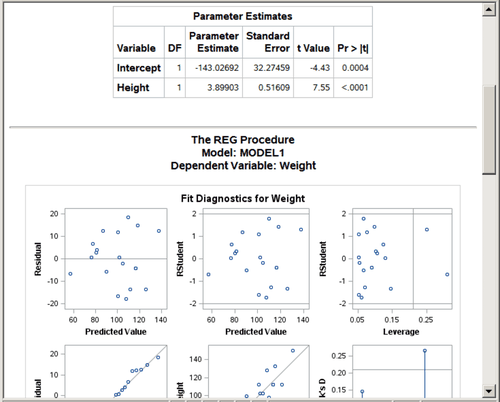
Figure 27: Statistical Output with the SAPPHIRE Style and HTML Destination
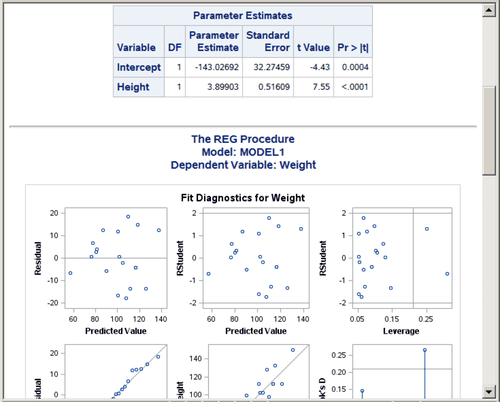
Figure 28: JOURNAL Style and PDF Destination
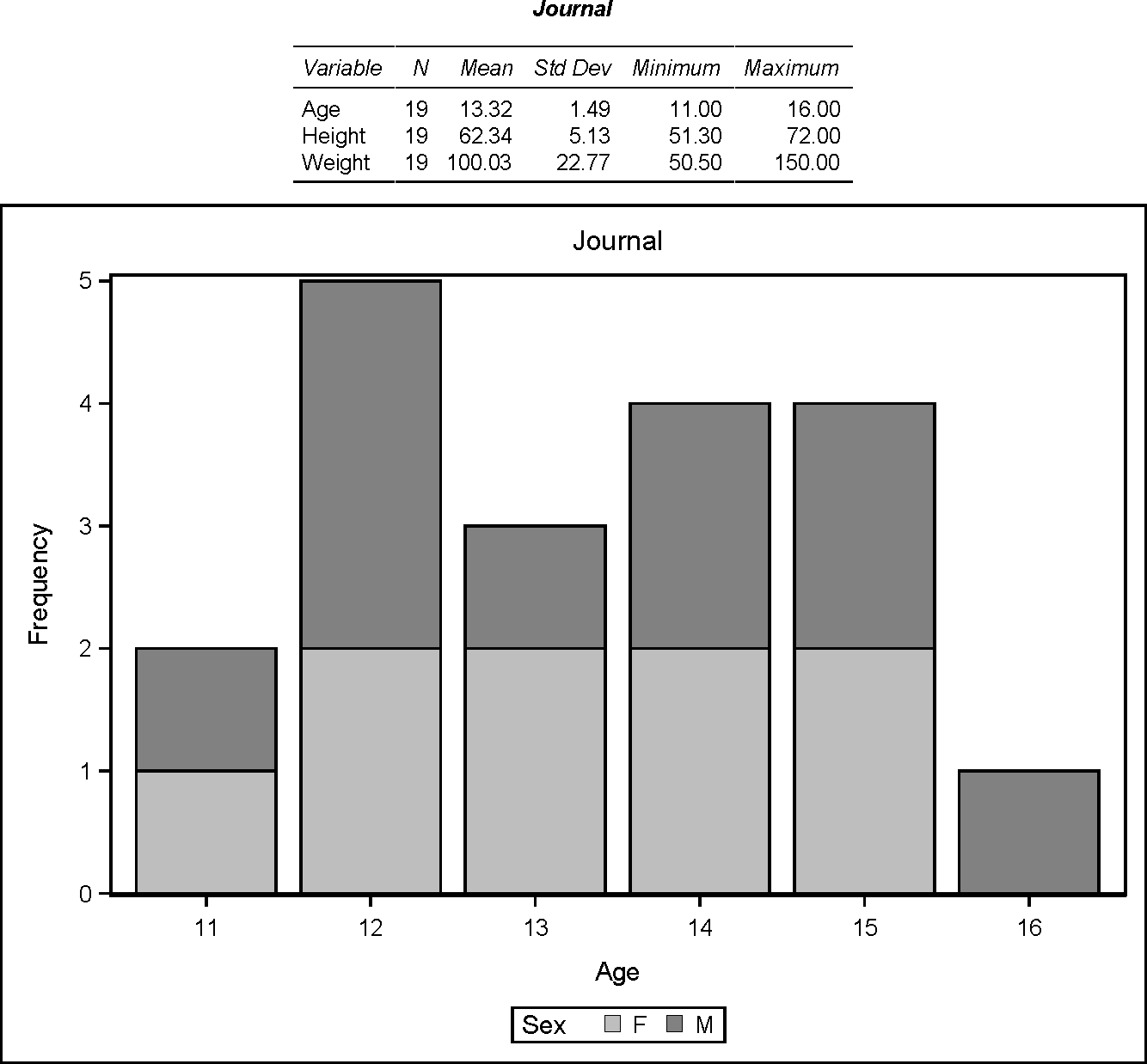
Figure 29: JOURNAL1A Style and PDF Destination
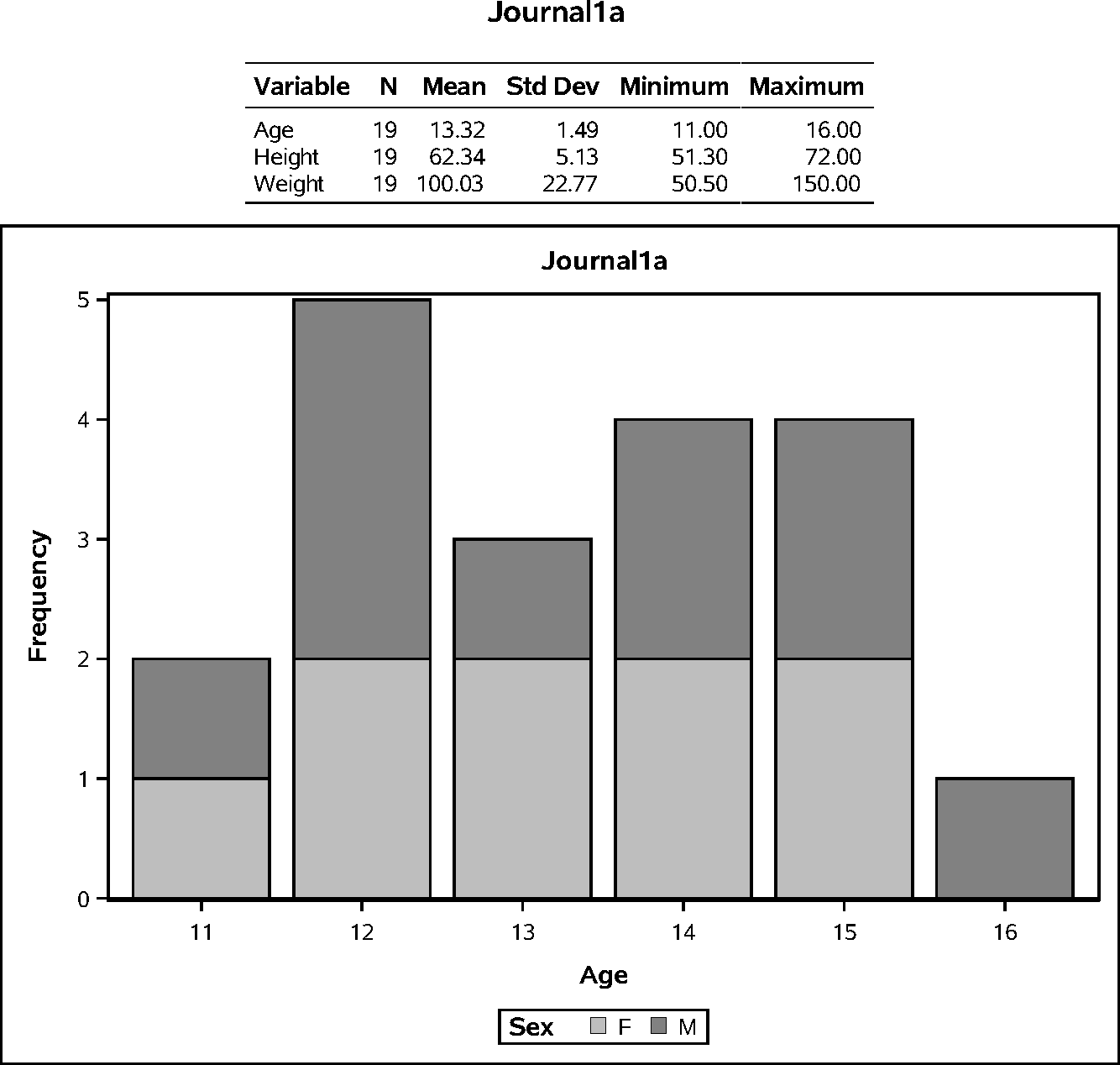
Figure 30: JOURNAL2 Style and PDF Destination
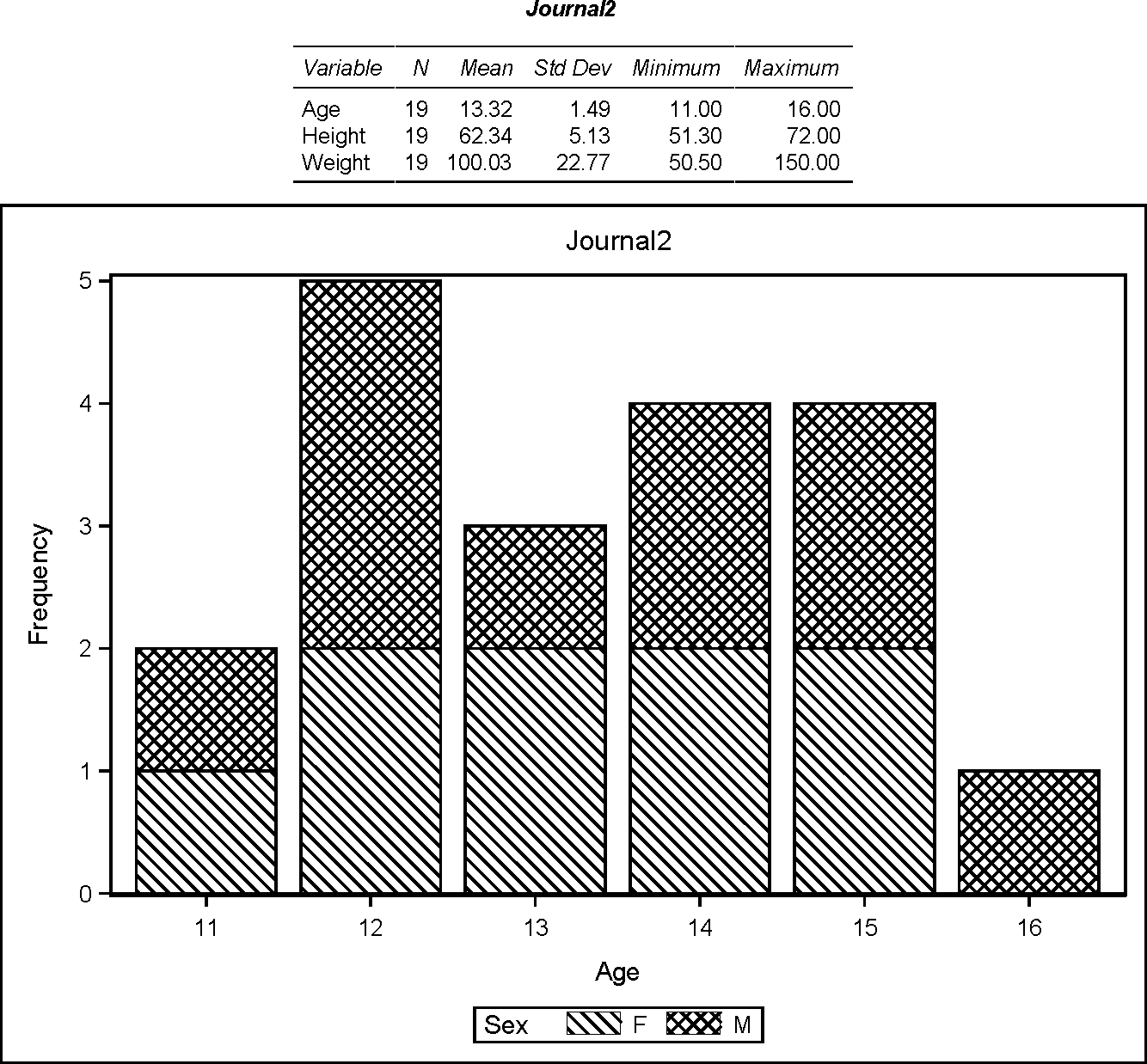
Figure 31: JOURNAL2A Style and PDF Destination
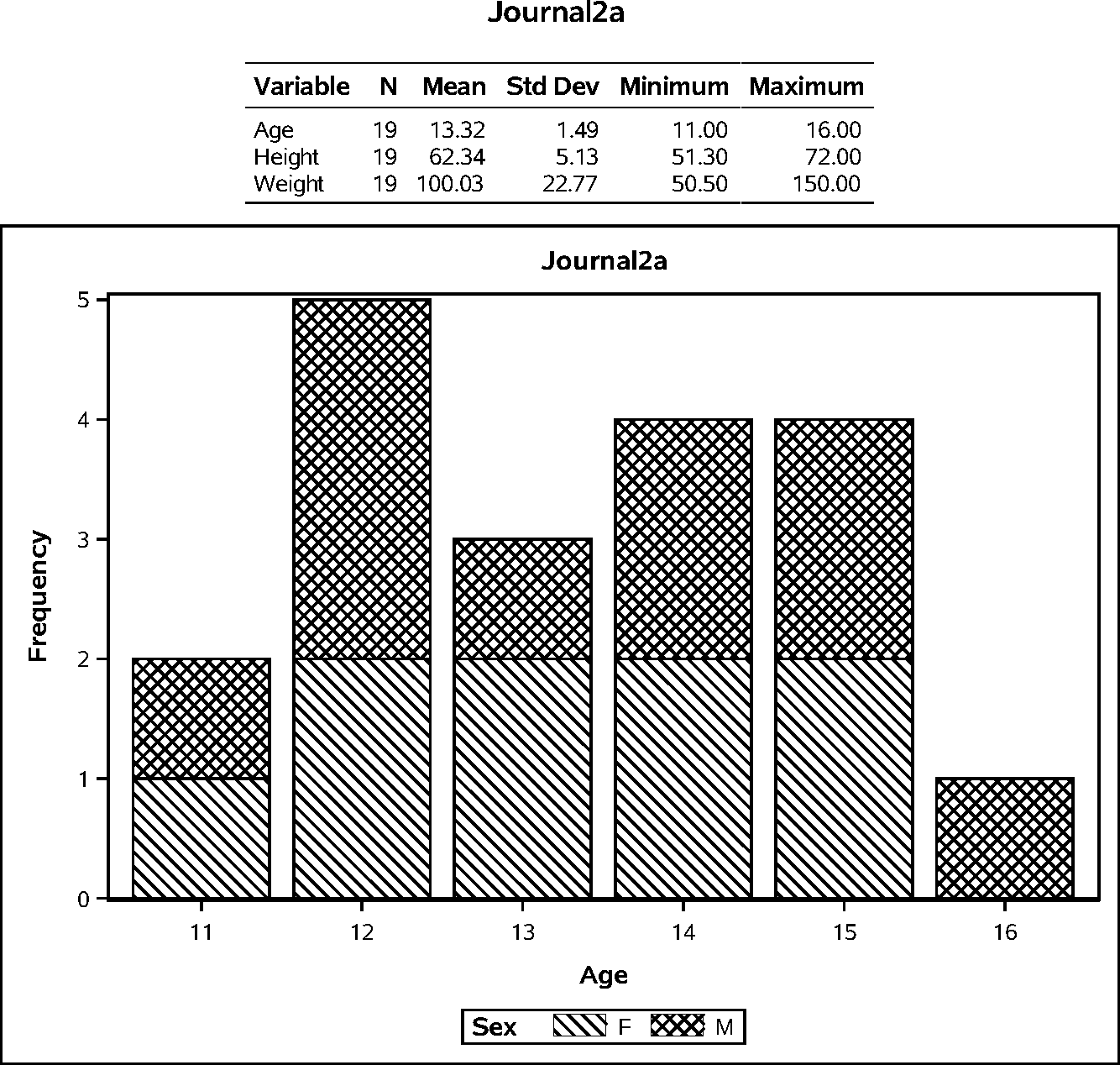
Figure 32: JOURNAL3 Style and PDF Destination
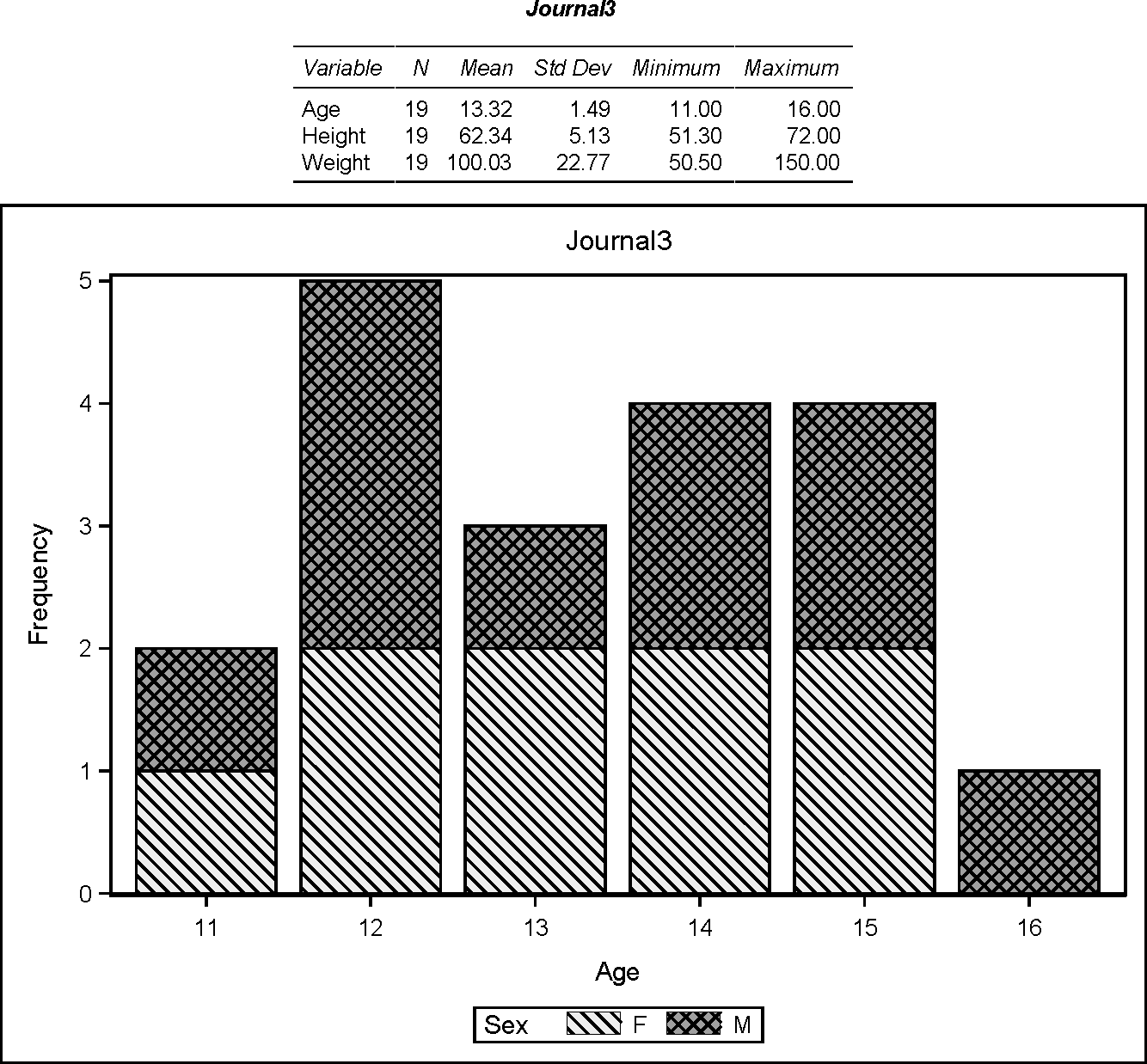
Figure 33: JOURNAL3A Style and PDF Destination
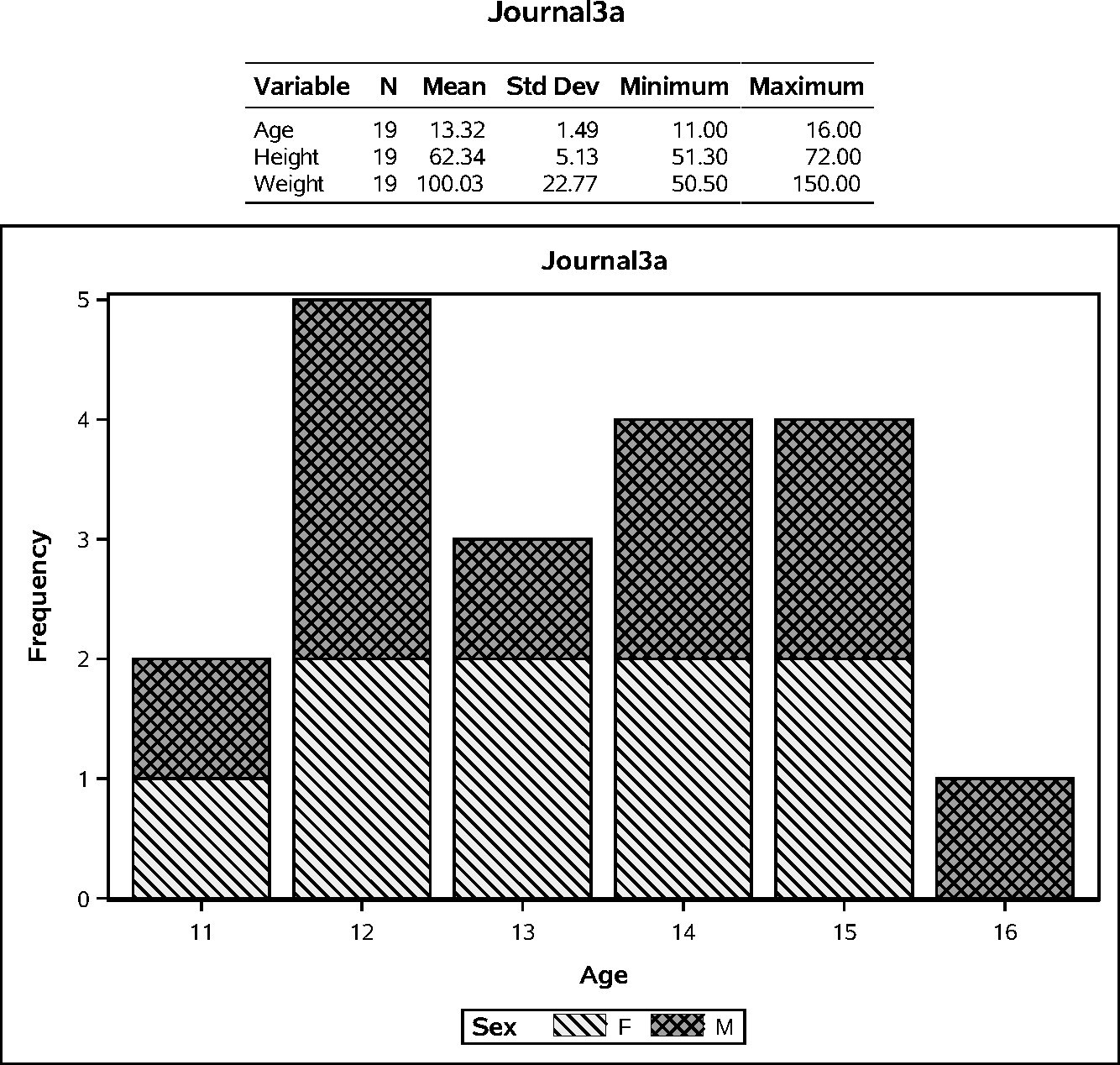
Figure 34: PEARL Style and PDF Destination
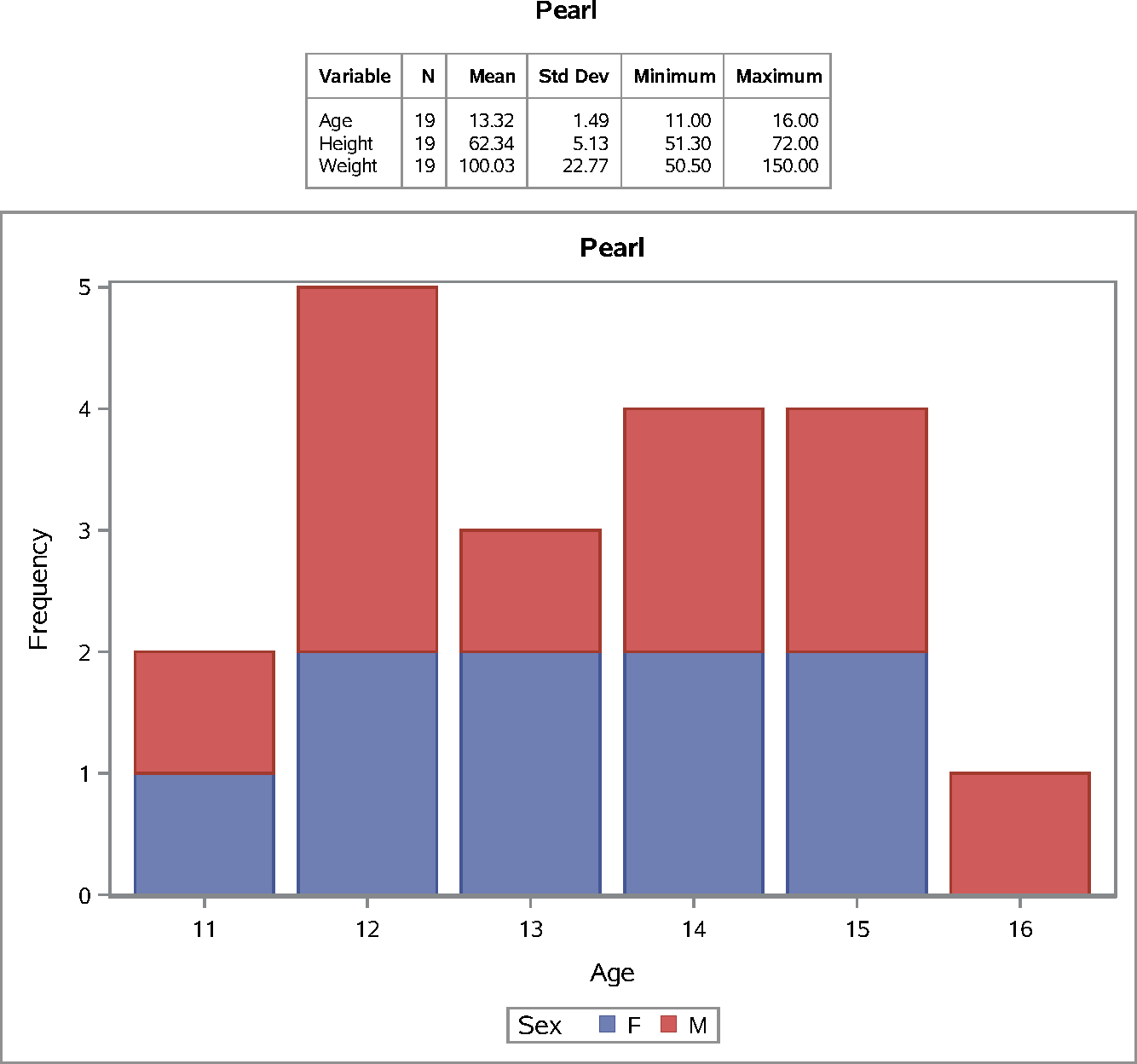
Figure 35: PEARLJ Style and PDF Destination
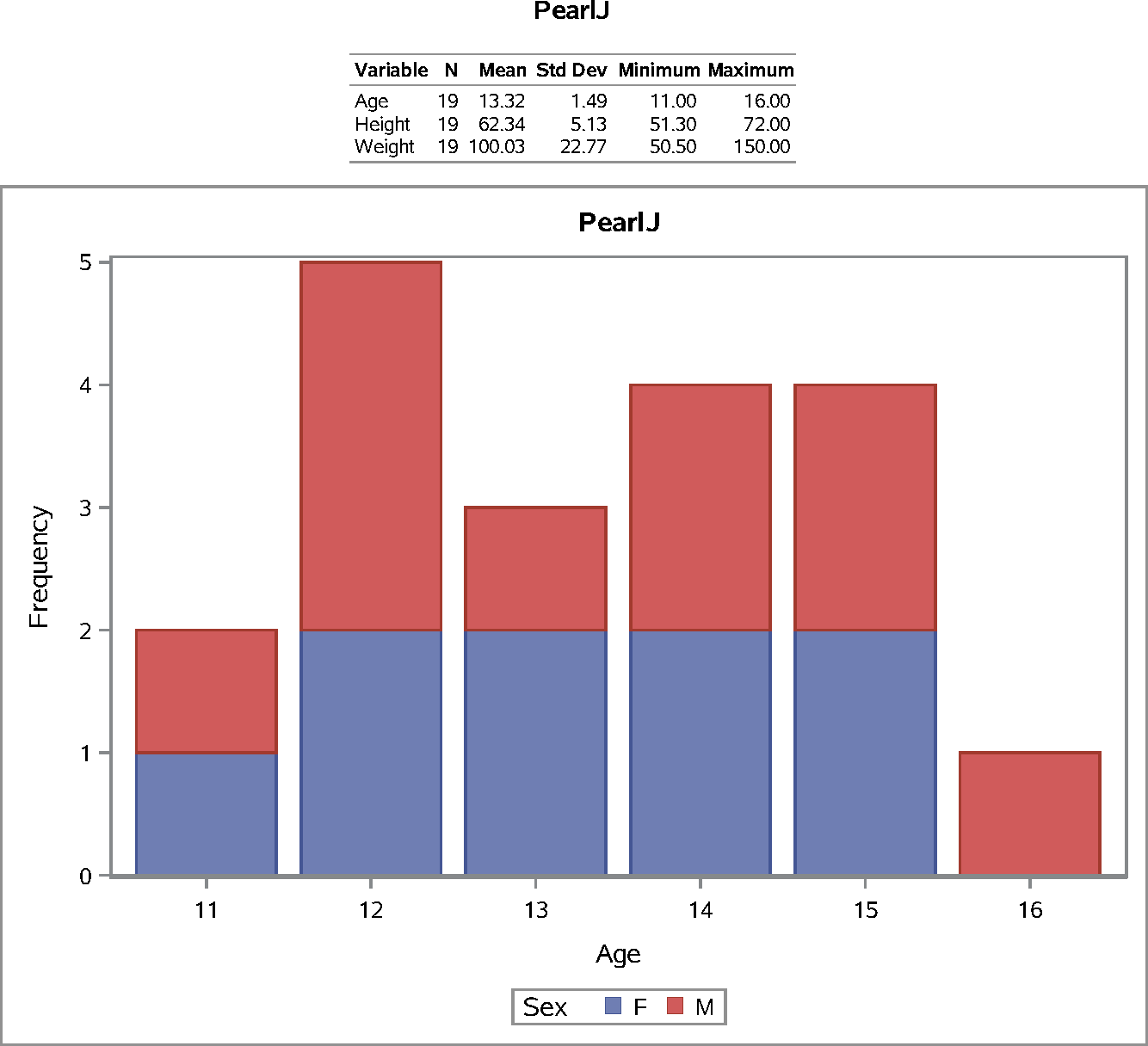
Figure 36: RTF Style and PDF Destination
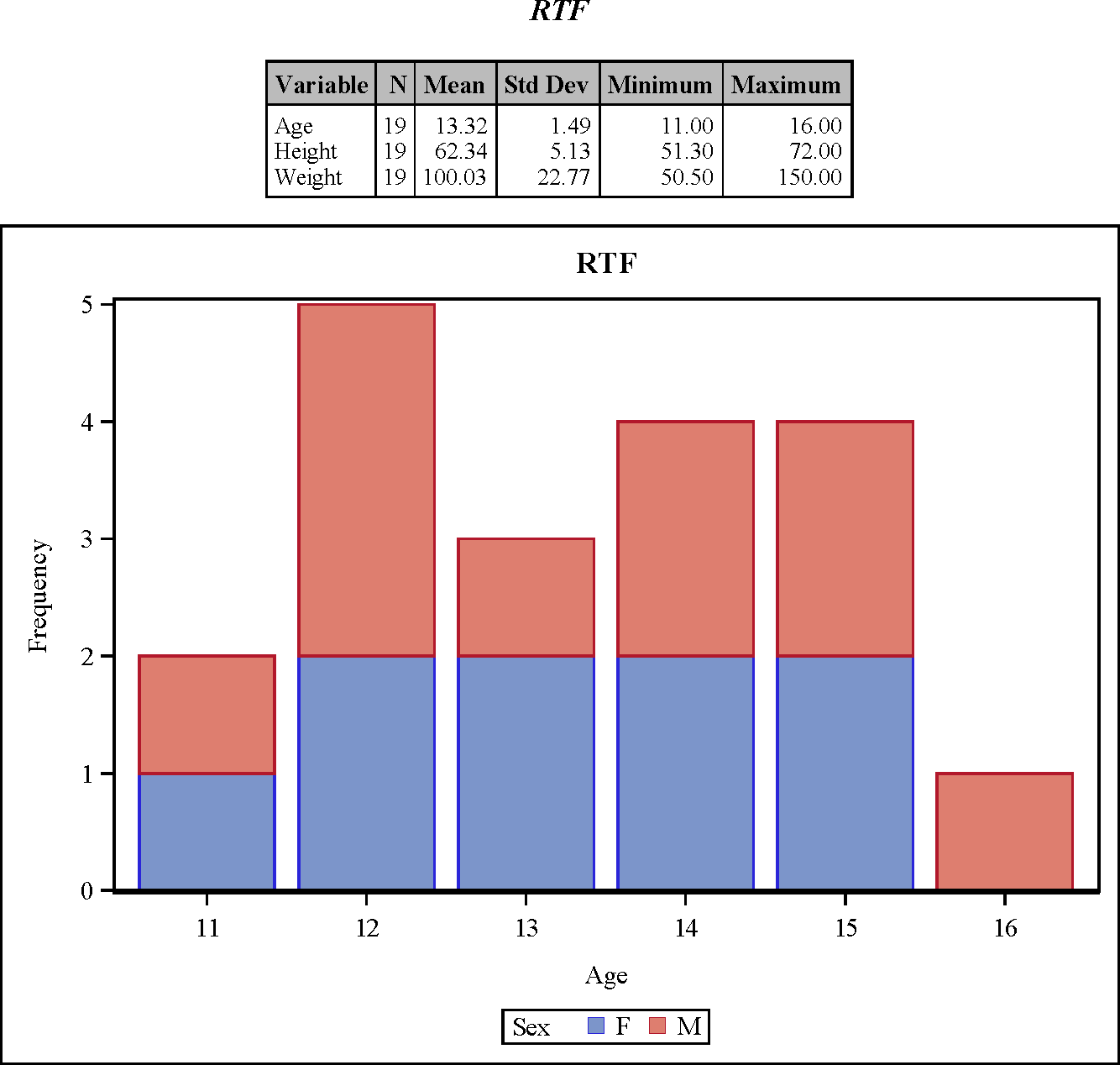
Figure 37: SAPPHIRE Style and PDF Destination
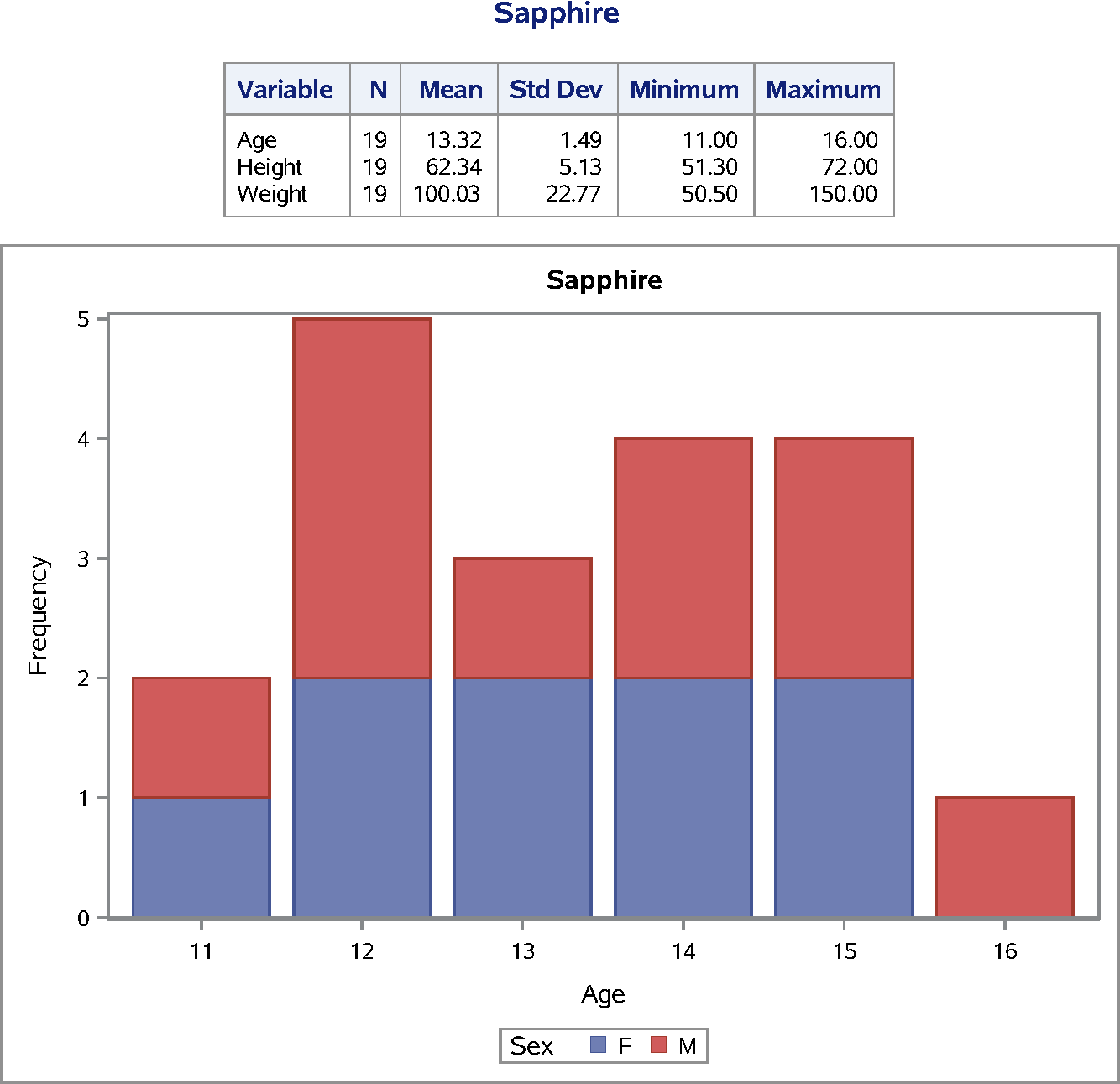
Figure 38: Attributes of Style Elements in the DEFAULT Style
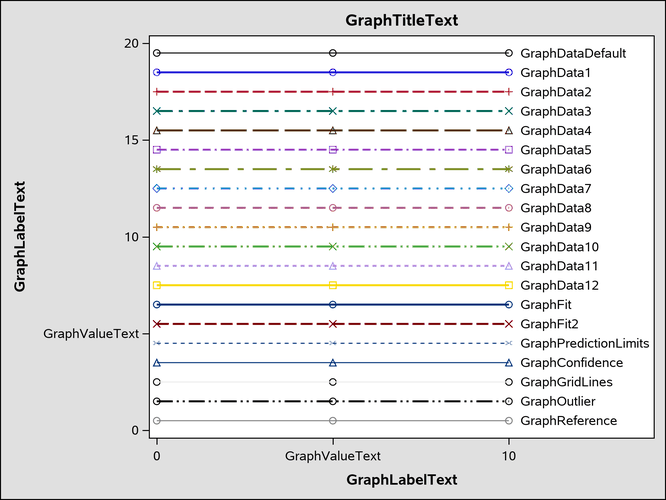
Figure 39: Attributes of Style Elements in the HTMLBLUE Style
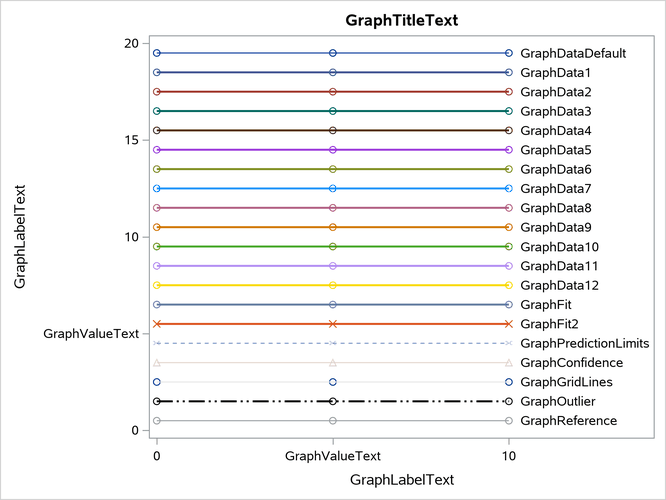
Figure 40: Attributes of Style Elements in the HTMLBLUECML Style
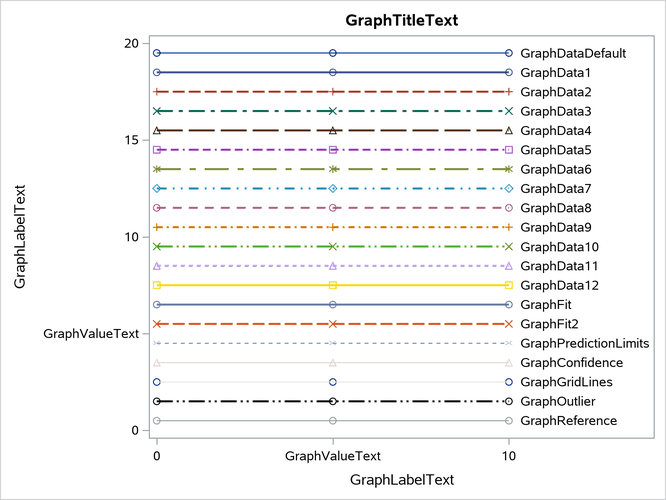
Figure 41: Attributes of Style Elements in the STATISTICAL Style
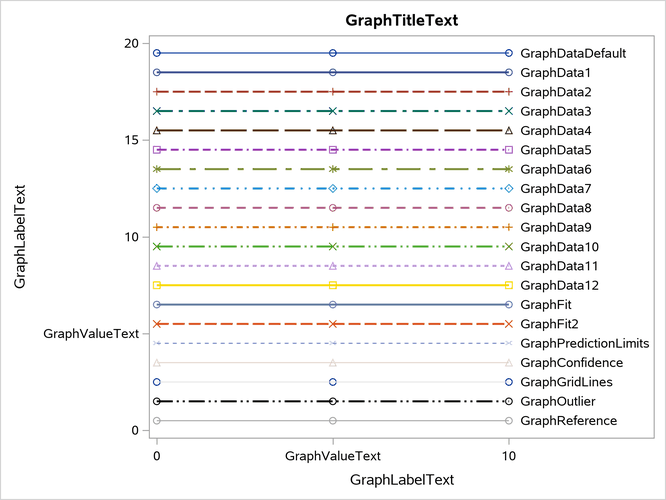
Figure 42: Attributes of Style Elements in the ANALYSIS Style
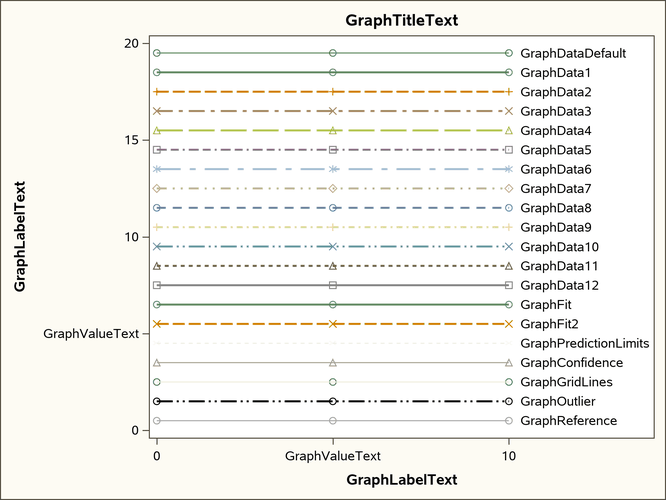
Figure 43: Attributes of Style Elements in the JOURNAL Style
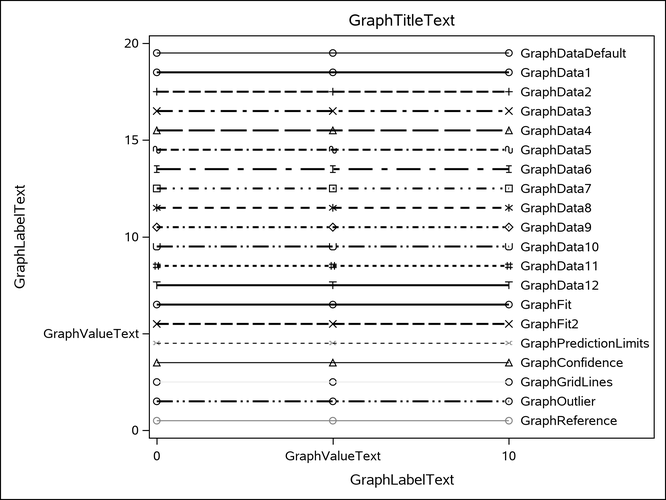
Figure 44: Attributes of Style Elements in the LISTING Style
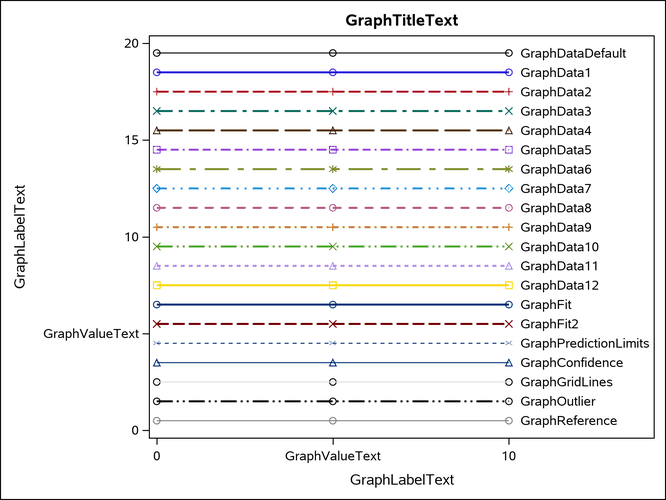
Figure 45: Attributes of Style Elements in the RTF Style
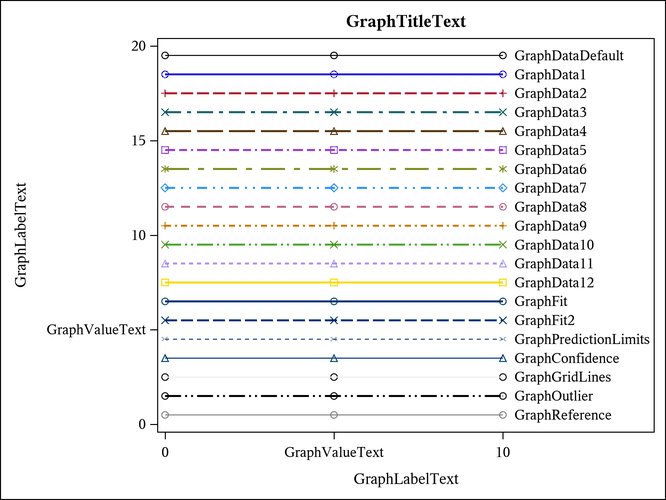
Figure 46: Attributes of Style Elements in the PEARL Style
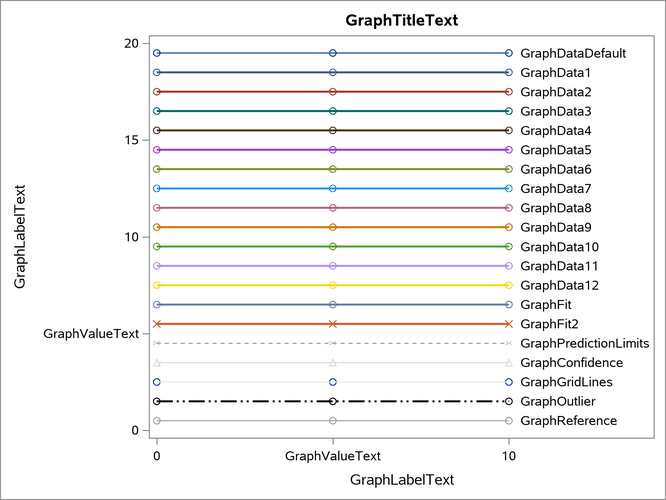
Figure 47: Attributes of Style Elements in the PEARLJ Style
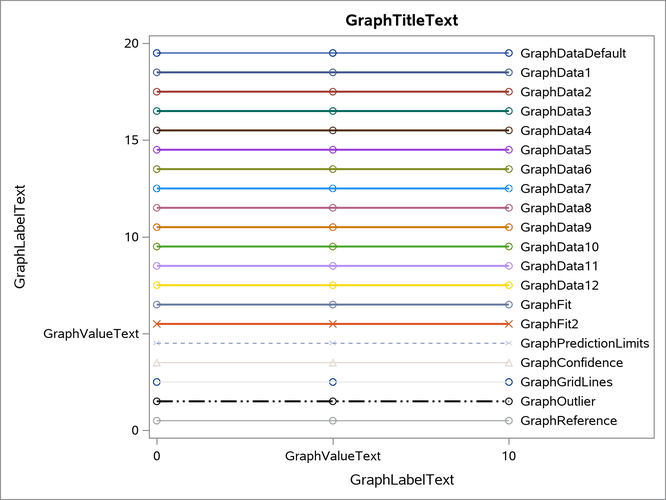
Figure 48: Attributes of Style Elements in the SAPPHIRE Style
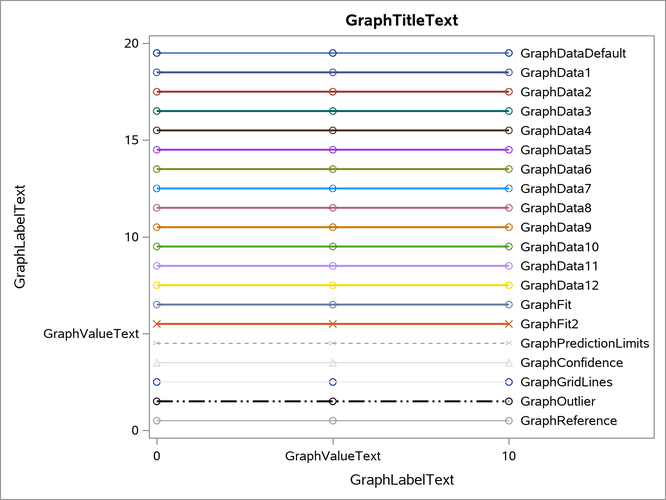
Figure 49: Markers, Lines, and Colors with Groups in the DEFAULT Style
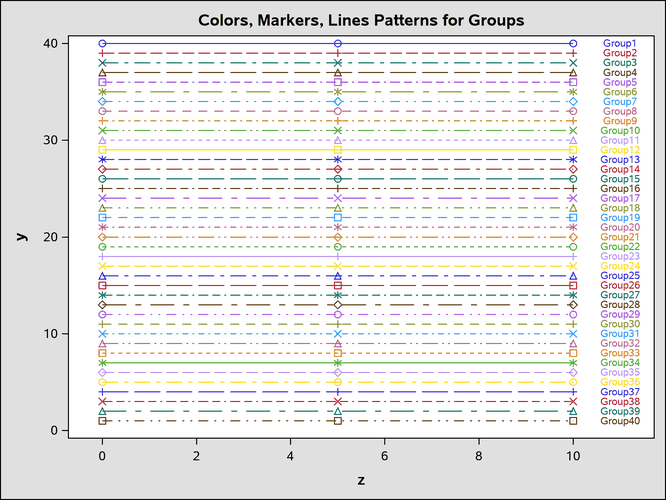
Figure 50: Markers, Lines, and Colors with Groups in the HTMLBLUE Style
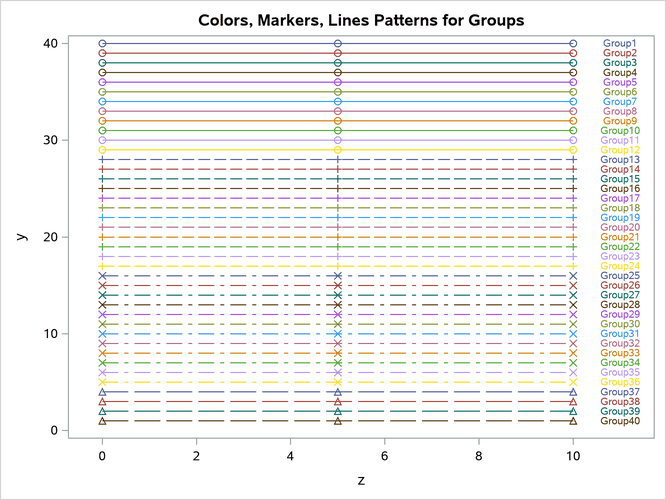
Figure 51: Markers, Lines, and Colors with Groups in the HTMLBLUECML Style
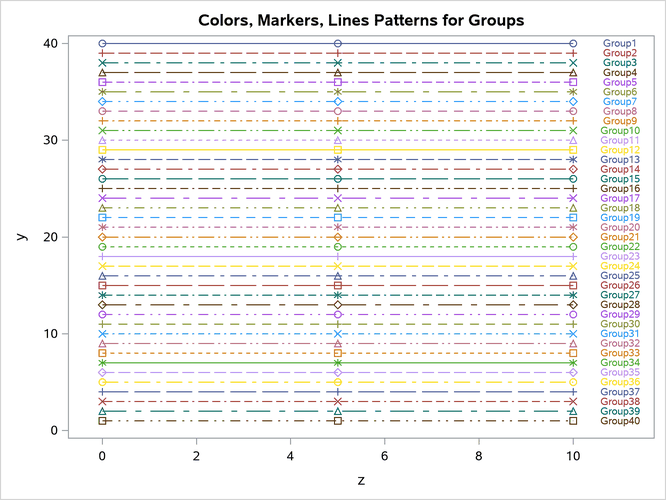
Figure 52: Markers, Lines, and Colors with Groups in the STATISTICAL Style
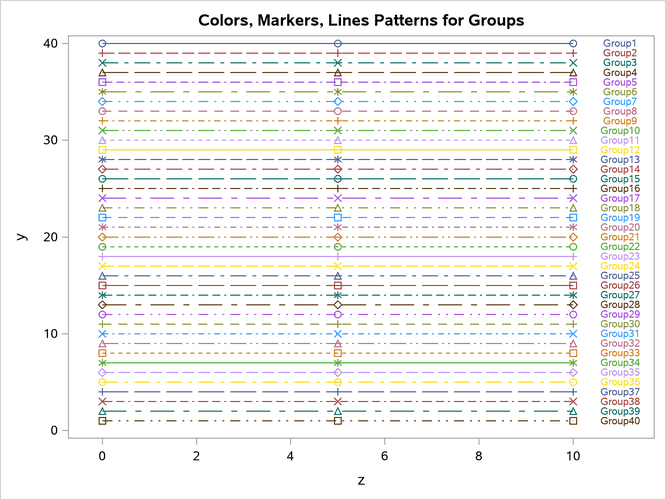
Figure 53: Markers, Lines, and Colors with Groups in the ANALYSIS Style

Figure 54: Markers, Lines, and Colors with Groups in the JOURNAL Style
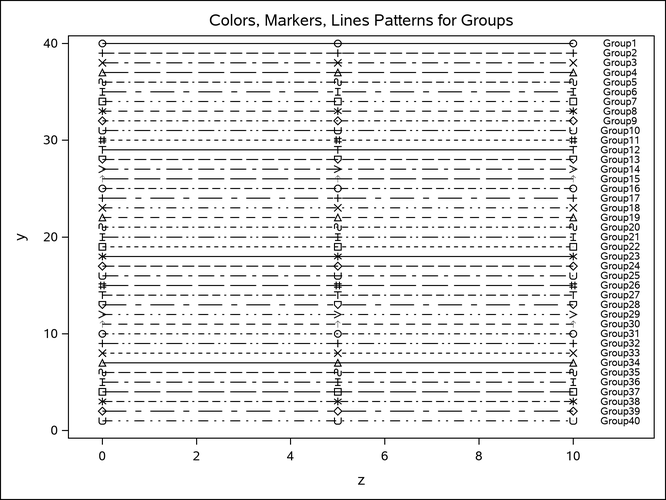
Figure 55: Markers, Lines, and Colors with Groups in the LISTING Style
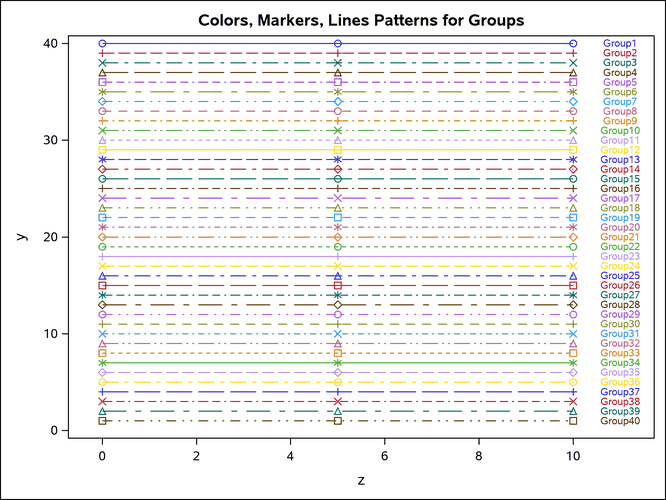
Figure 56: Markers, Lines, and Colors with Groups in the RTF Style
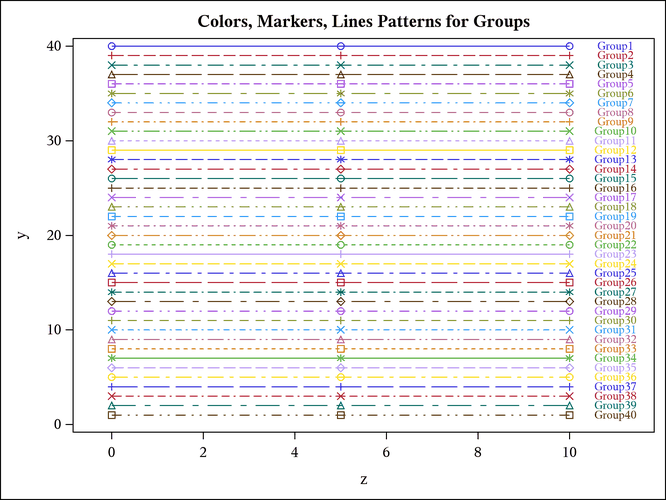
Figure 57: Markers, Lines, and Colors with Groups in the PEARL Style
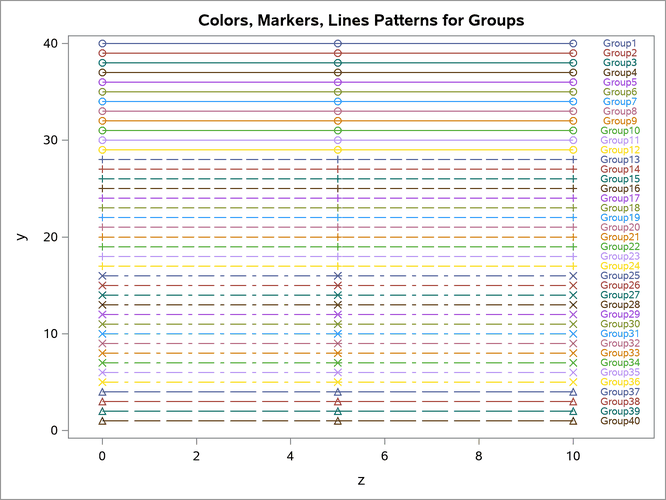
Figure 58: Markers, Lines, and Colors with Groups in the PEARLJ Style
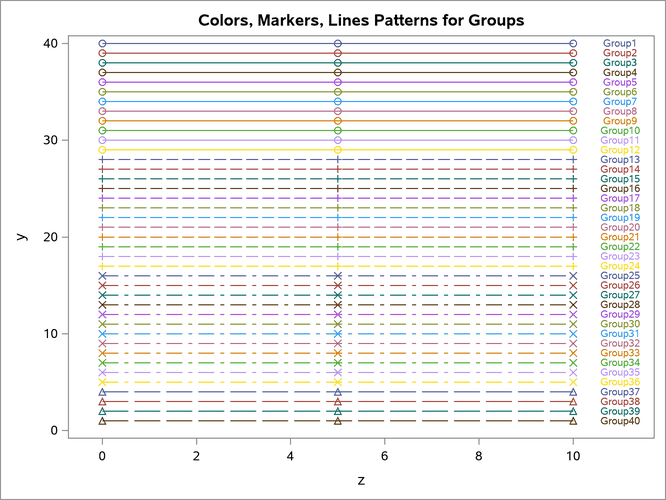
Figure 59: Markers, Lines, and Colors with Groups in the SAPPHIRE Style